


WordPress POS Plugin
The WooCommerce POS that runs your whole counter
Posoria POS turns your existing WooCommerce store into a fast in-person point of sale. Same catalog, same customers, same orders. Made for retail counters, cafés, and pop-ups that can’t afford a slow checkout.
Real WooCommerce orders. HPOS-ready. No separate database.
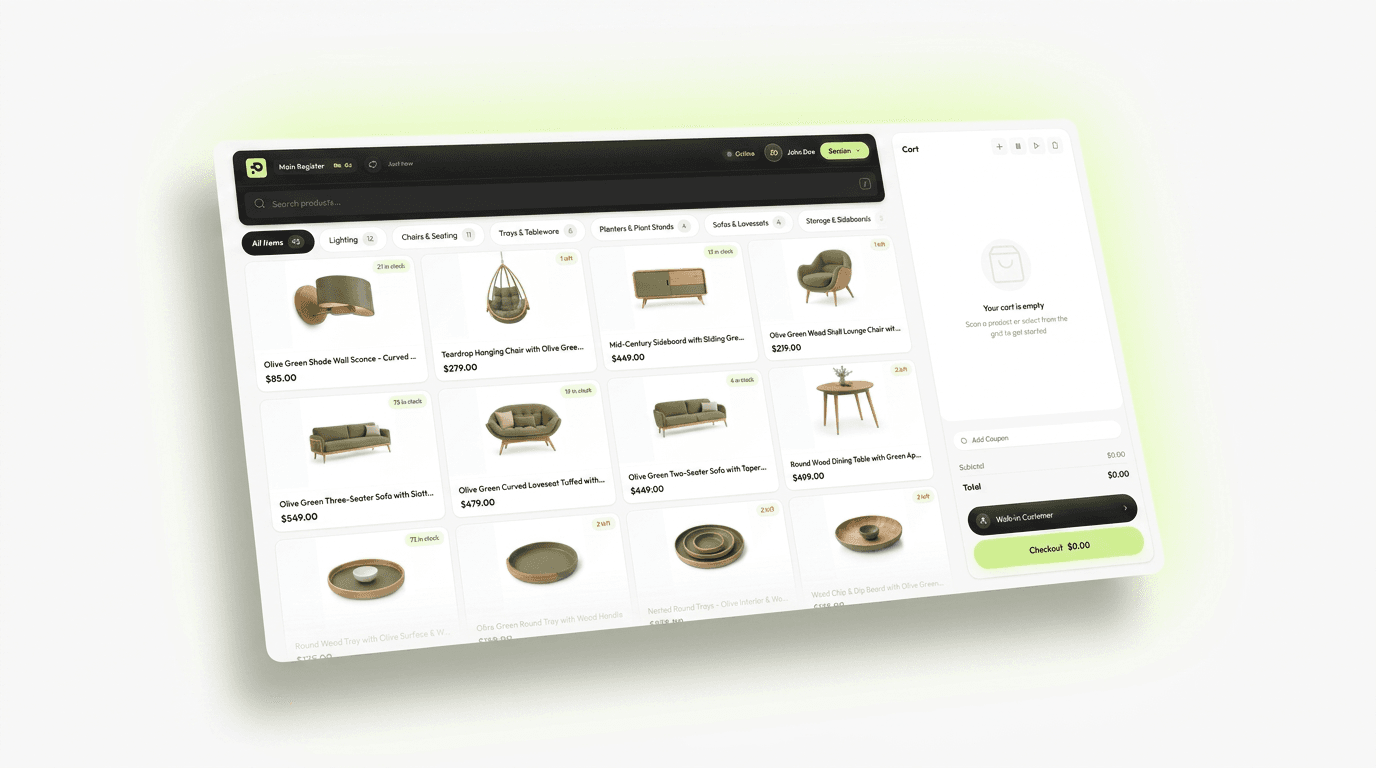
Built for the Counter
What a fast checkout needs
Your staff live on the register screen. These flows are there to keep the line moving.
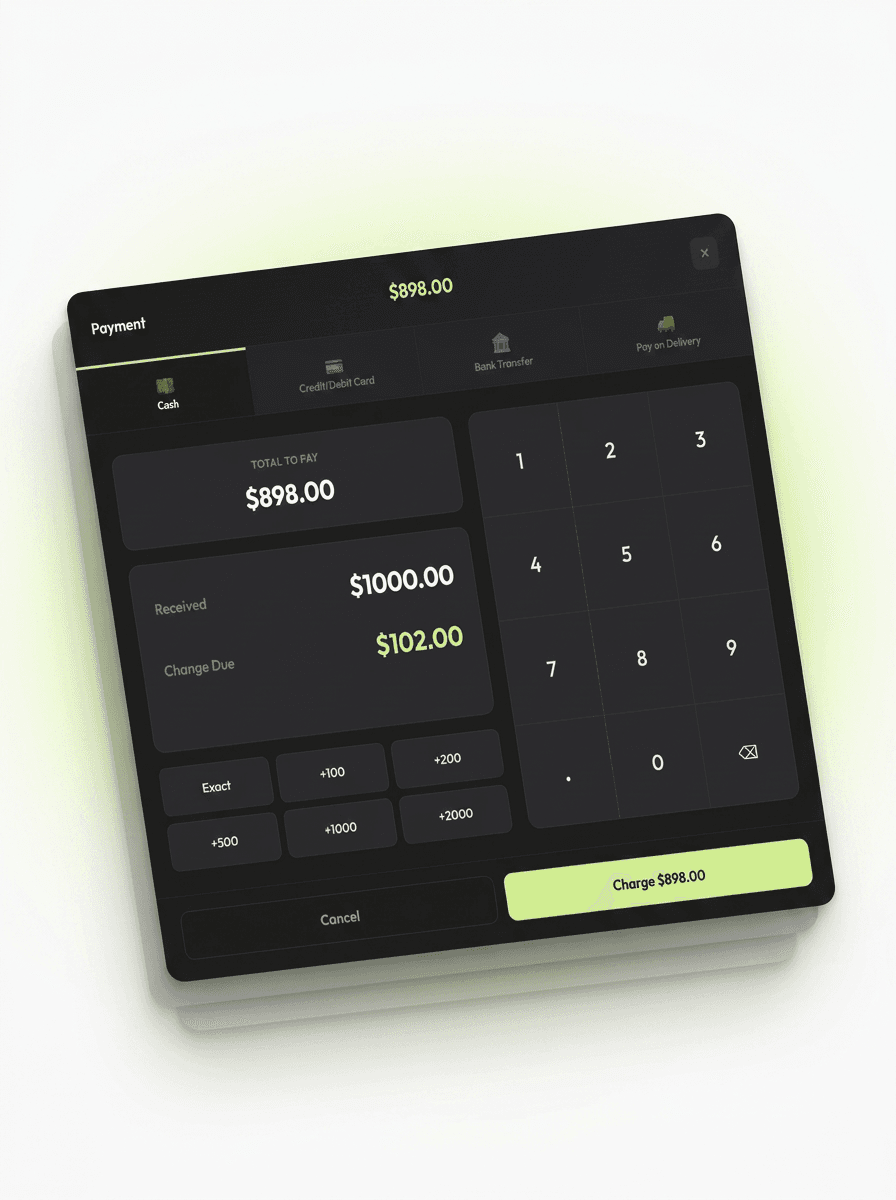
Sell in person, in seconds
Cash and card checkout built for a busy counter. Big touch targets, instant totals, and automatic change calculation keep queues short.
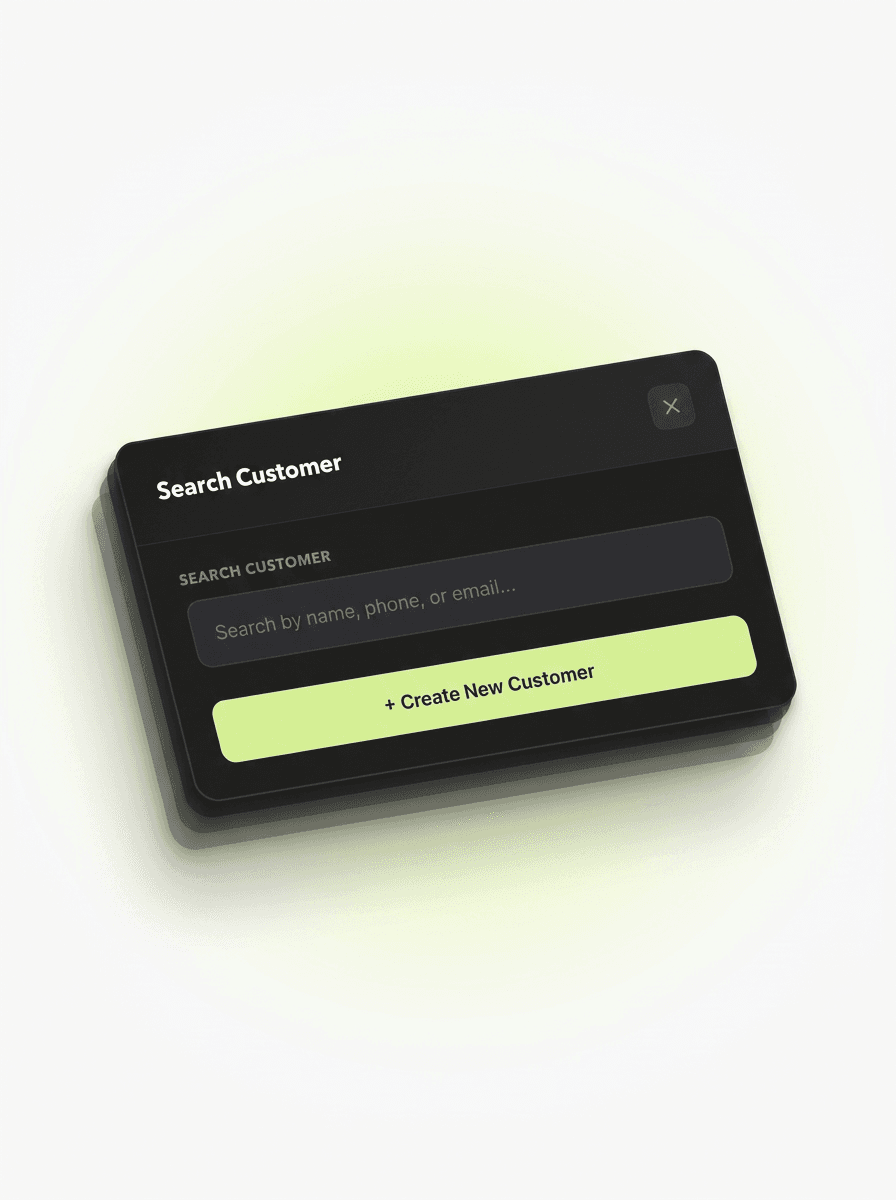
Know your customers
Look up or create a customer without leaving the sale. Orders attach to real WooCommerce customer accounts, so purchase history follows them online and in store.
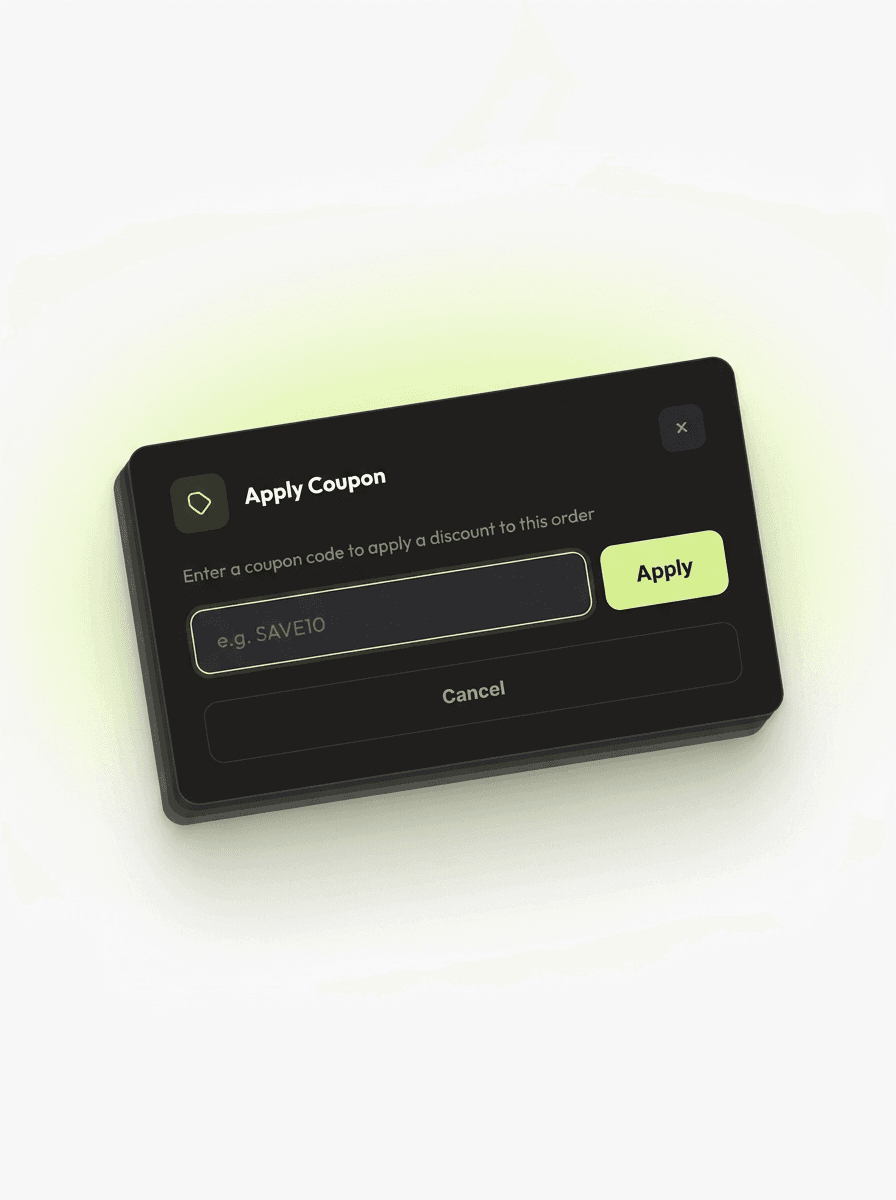
Discounts without friction
Apply your existing WooCommerce coupons right at checkout. Same codes and rules your online store already uses.
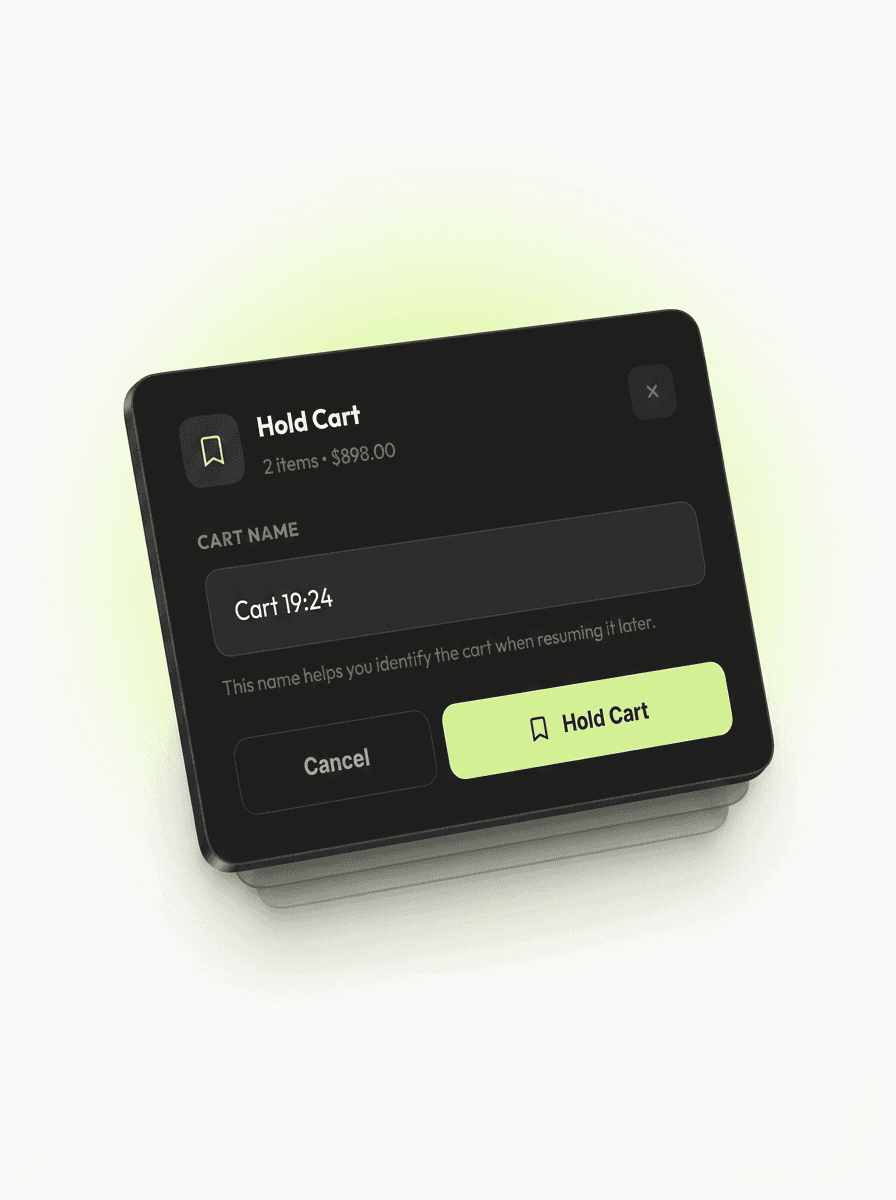
Never lose a sale mid-checkout
A customer steps away to grab one more thing? Park the cart, serve the next person, and resume their sale in one tap when they’re back.
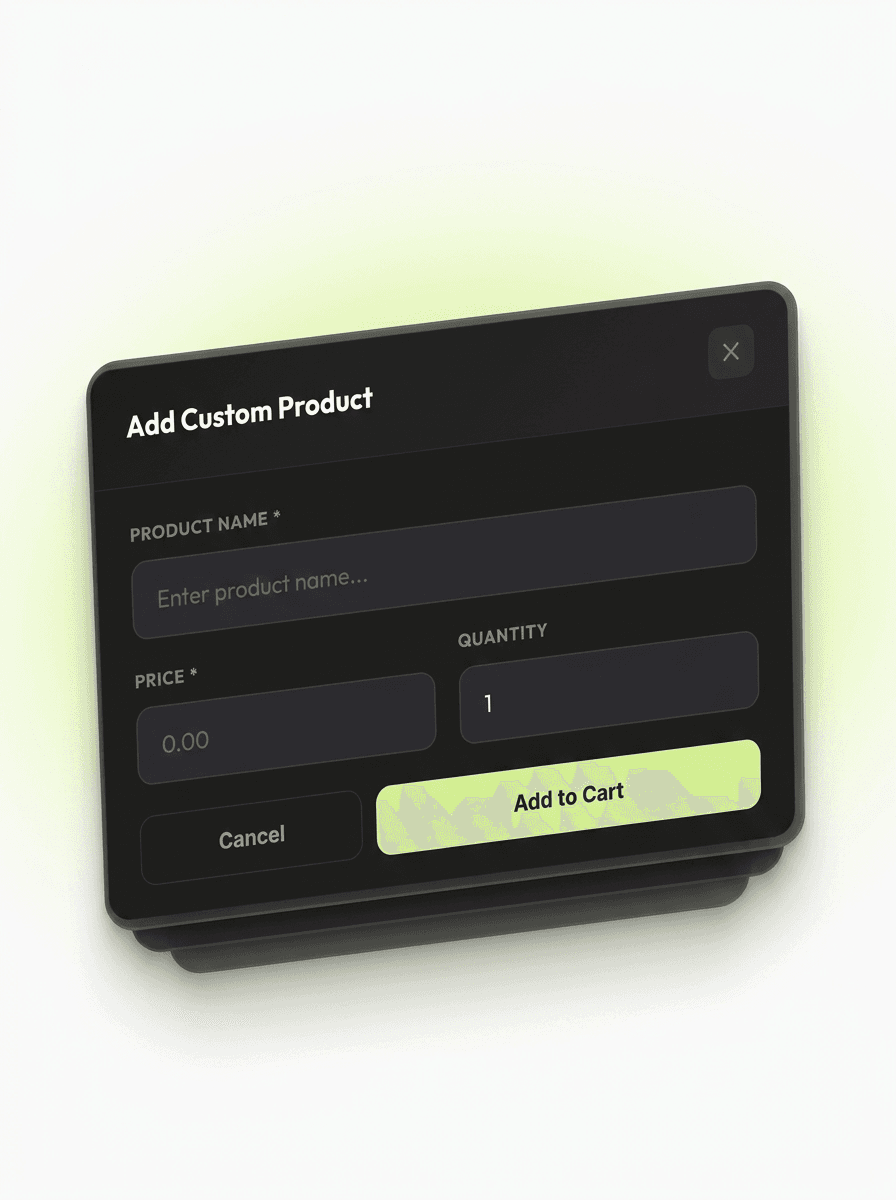
Sell things that aren’t in your catalog yet
Add a one-off custom item on the spot: name, price, done. It lands in the order like any other line, with totals and tax handled for you.
Back office
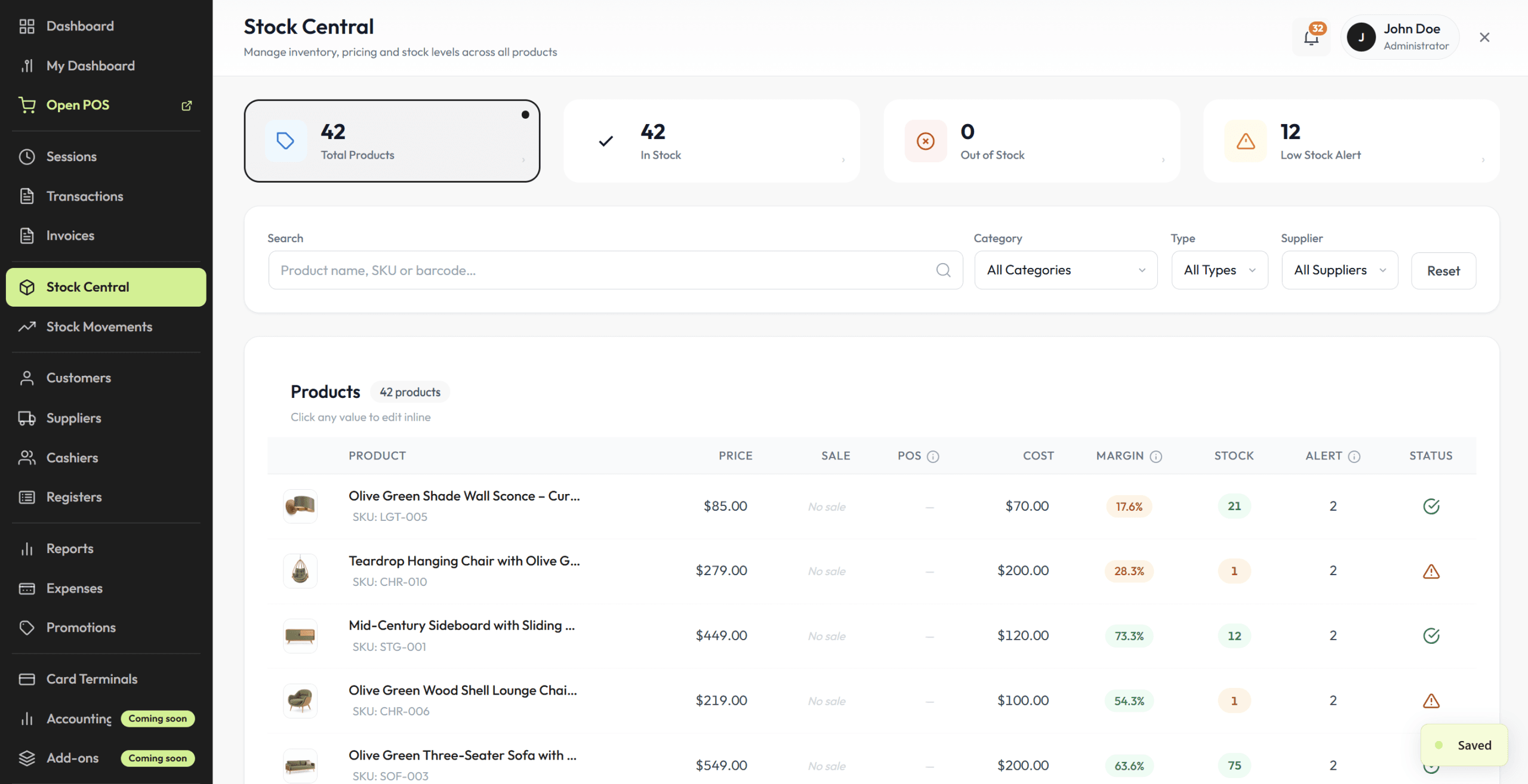
Manage stock and pricing in bulk
Update your whole catalog from one screen. No opening products one by one, and no extra plugins to buy.
- Prices, stock & SKUs in one grid (edit rows inline, save once)
- Native to this point of sale plugin (nothing extra to install)
- Real WooCommerce product updates (your online store sees changes right away)
Shifts & cash
Every shift, fully accounted for
Cash discipline without spreadsheets. Posoria tracks the drawer from first float to final Z-report.
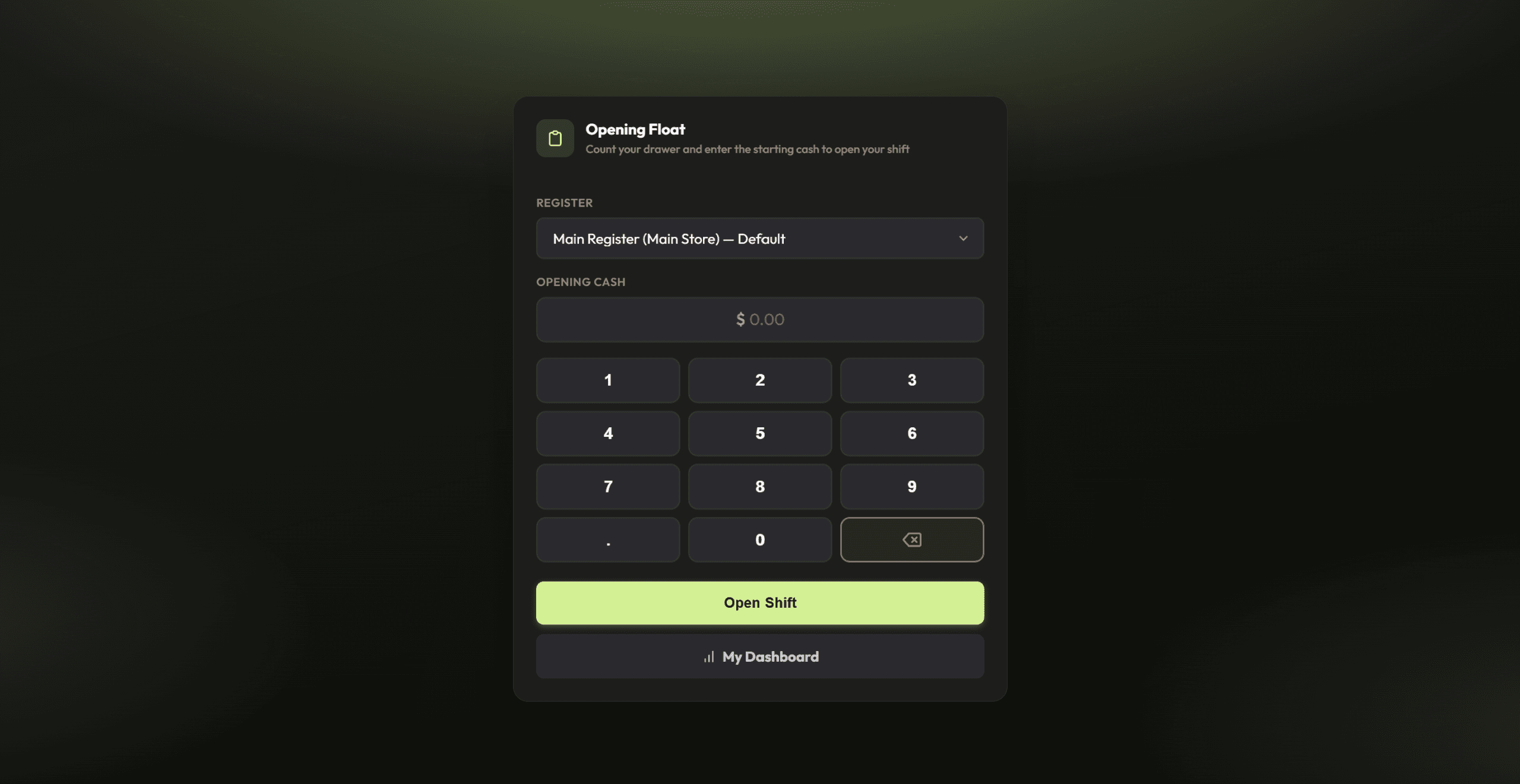
Start every shift accounted for
Each cashier logs the opening cash float before selling, so the drawer is never a mystery later.
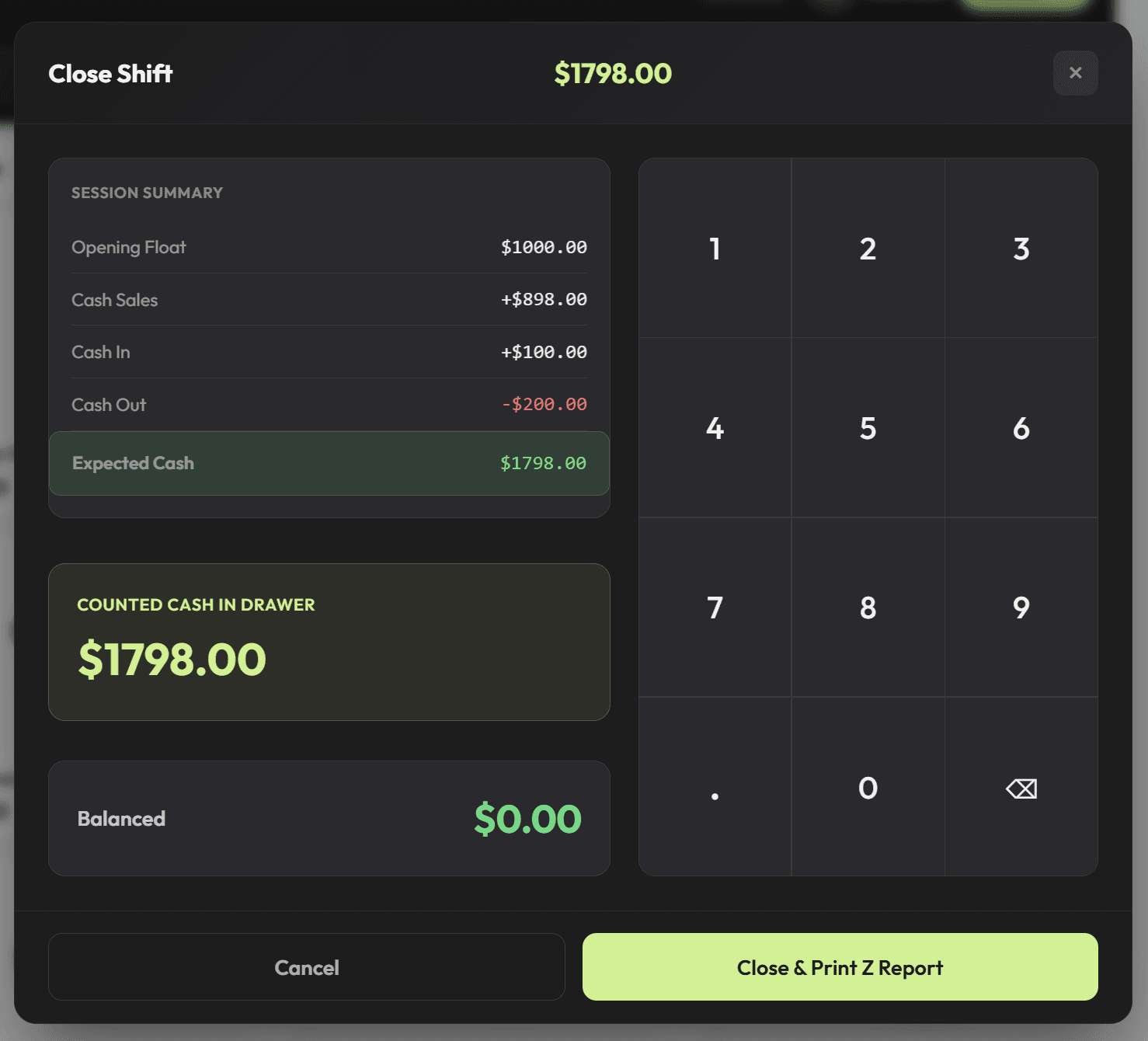
Close out with confidence
One tap ends the shift with a full Z-report: expected vs. counted cash, card totals, and any variance, signed off instead of guessed.
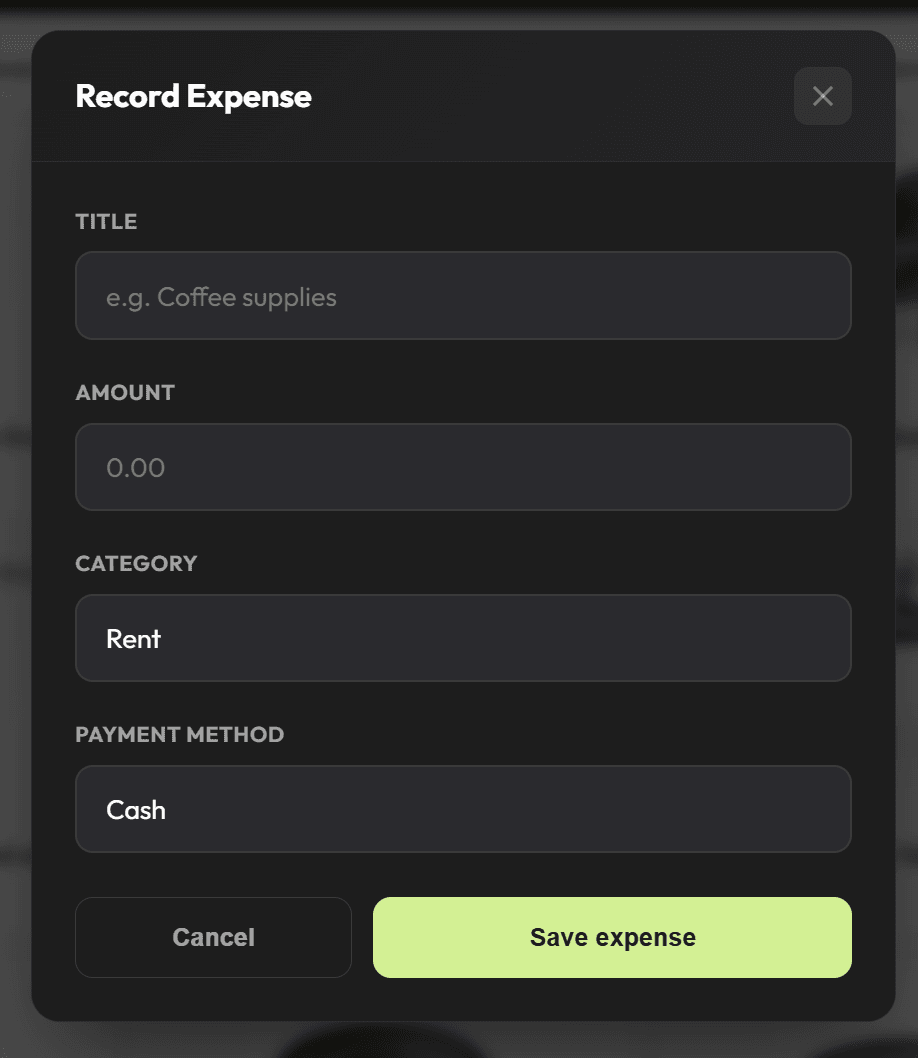
Track expenses without leaving the register
Petty cash out for supplies or a refund paid in cash? Log it where it happens, so end-of-day numbers still reconcile.
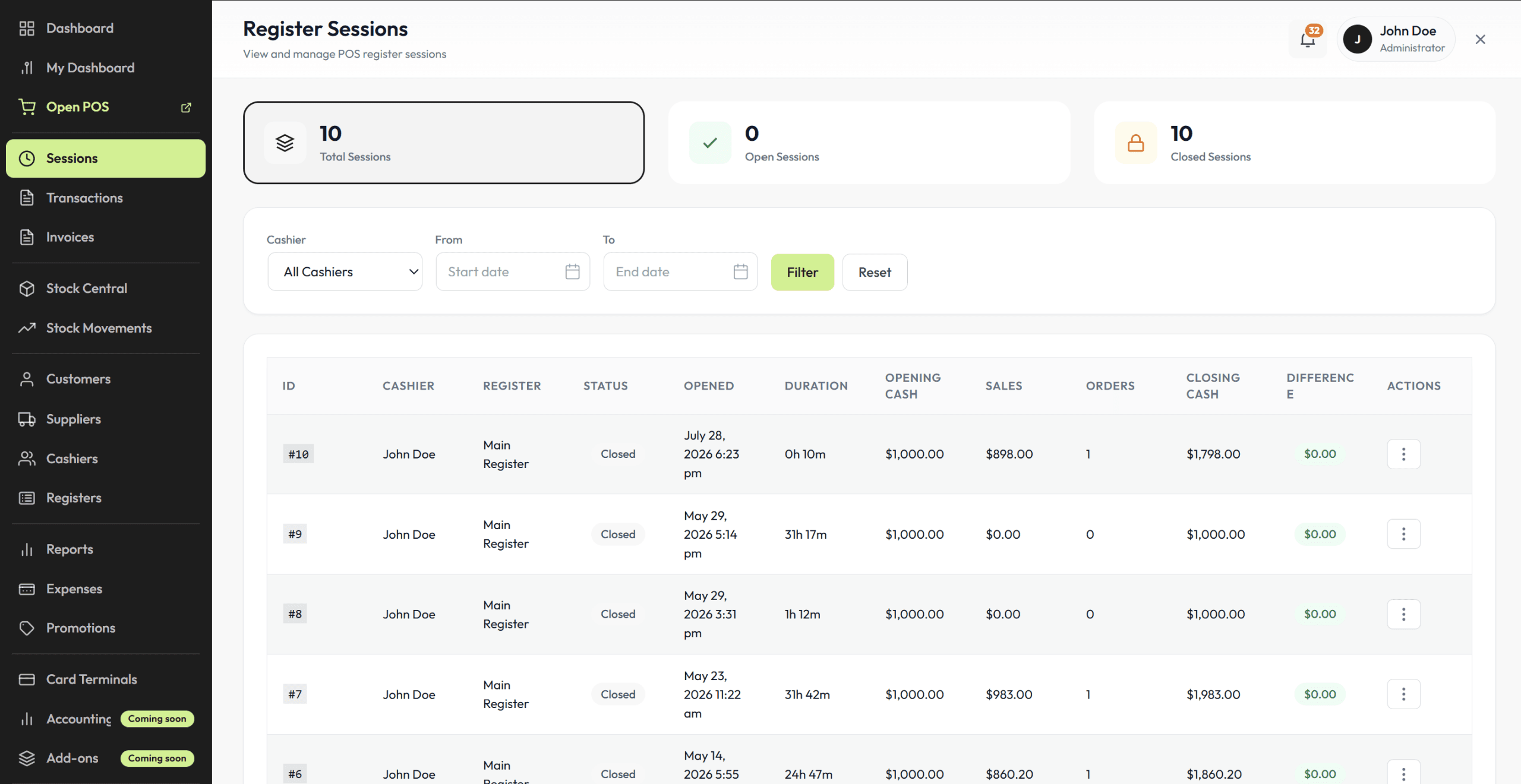
See what happened on every shift
See who worked, when, and what they did. Every action is tied to a cashier and a timestamp, so you are not left asking who rang that up.
Payments
Take payment your way, finish every sale cleanly
No double entry, no end-of-day surprises. The moment payment lands, the sale is a real WooCommerce order.
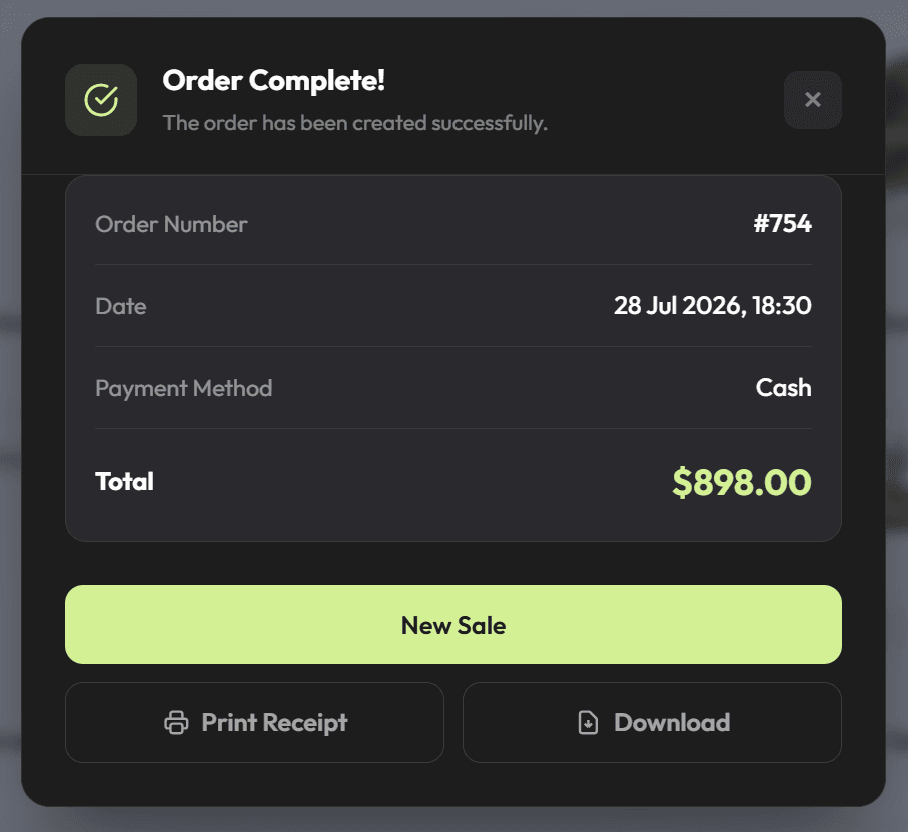
A clean finish, every sale
Payment confirmed, order stored, stock updated. It shows up in wp-admin as soon as it happens, and your staff can move to the next customer.
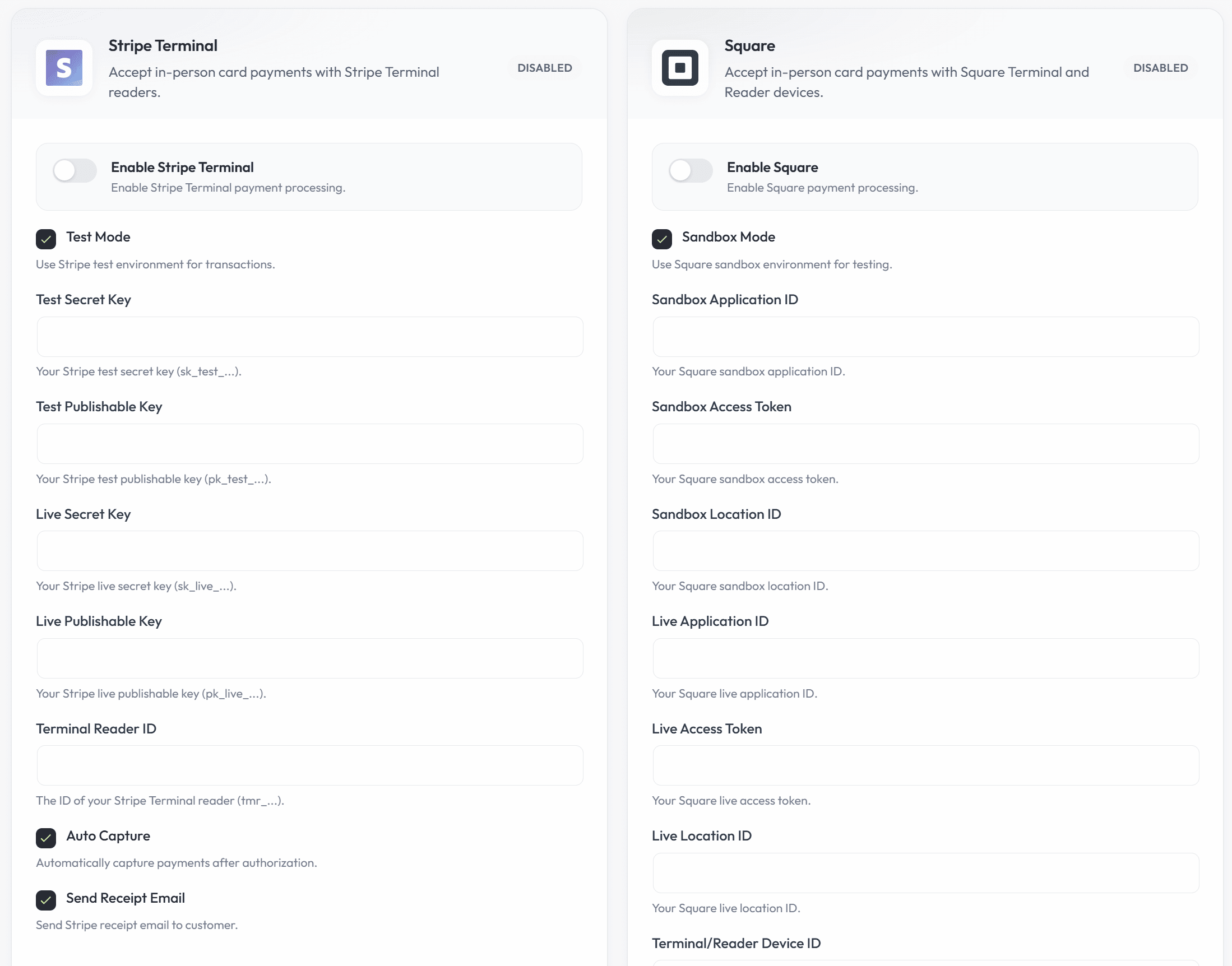
Real hardware, no lock-in
Connect the Stripe or Square terminal you already own and take card payments straight from the register. No proprietary readers, no rental contracts, no hardware lock-in.
Know your numbers
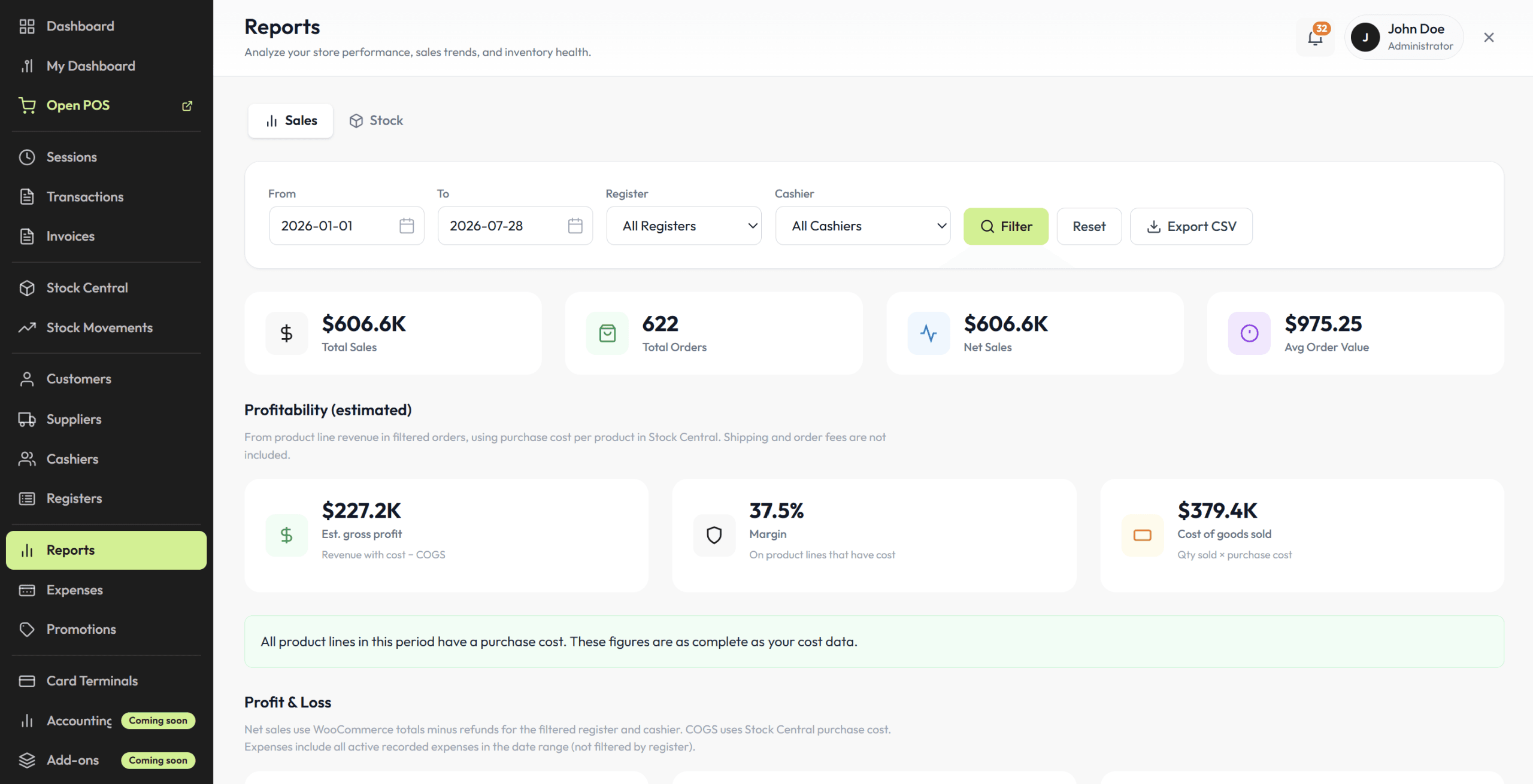
Reporting that actually tells you something
Posoria POS reporting is computed from your real WooCommerce orders, not a parallel database. Sales trends, register performance, and product movement all live inside wp-admin.
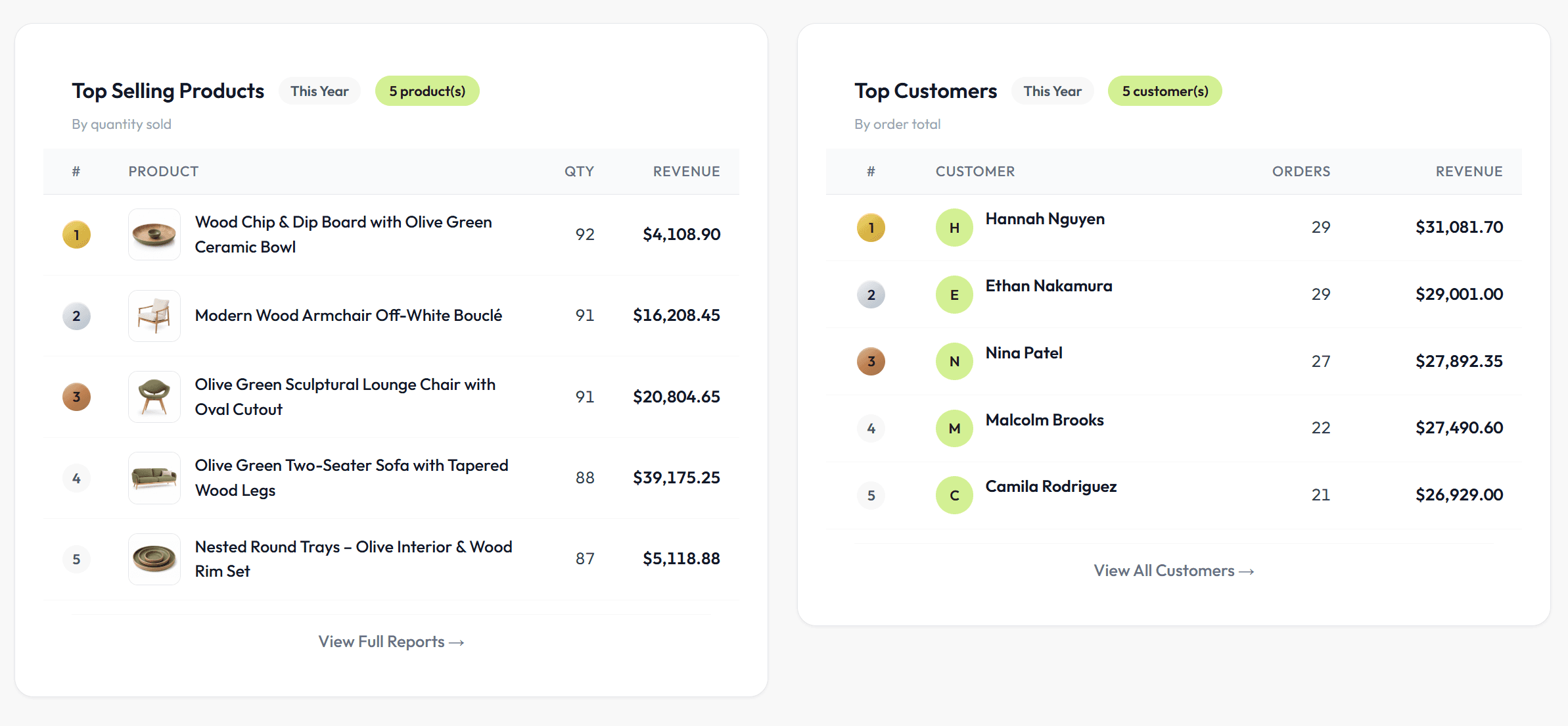
Your top products and customers, rankedRestock what moves; reward who returns.
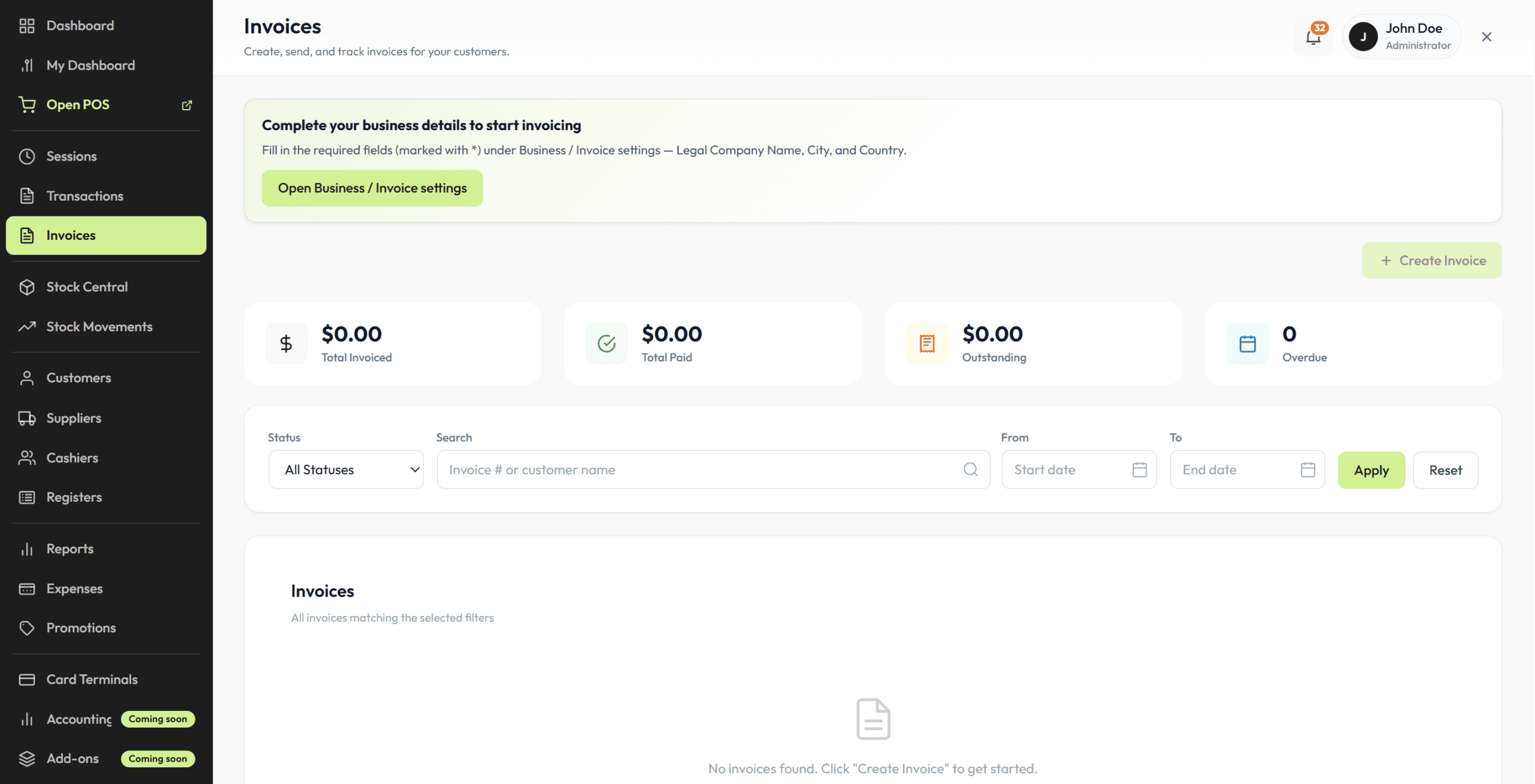
Invoice wholesale and business clients
Build a wholesale order at the register, issue a proper invoice, and keep the stock math honest. B2B sales flow through the same catalog and inventory as everything else.
Registers & team
Your team, your rules
Add registers as you grow and decide exactly what each cashier can touch. Role-based access is built into this WordPress POS, so you do not need shared PINs or workarounds.
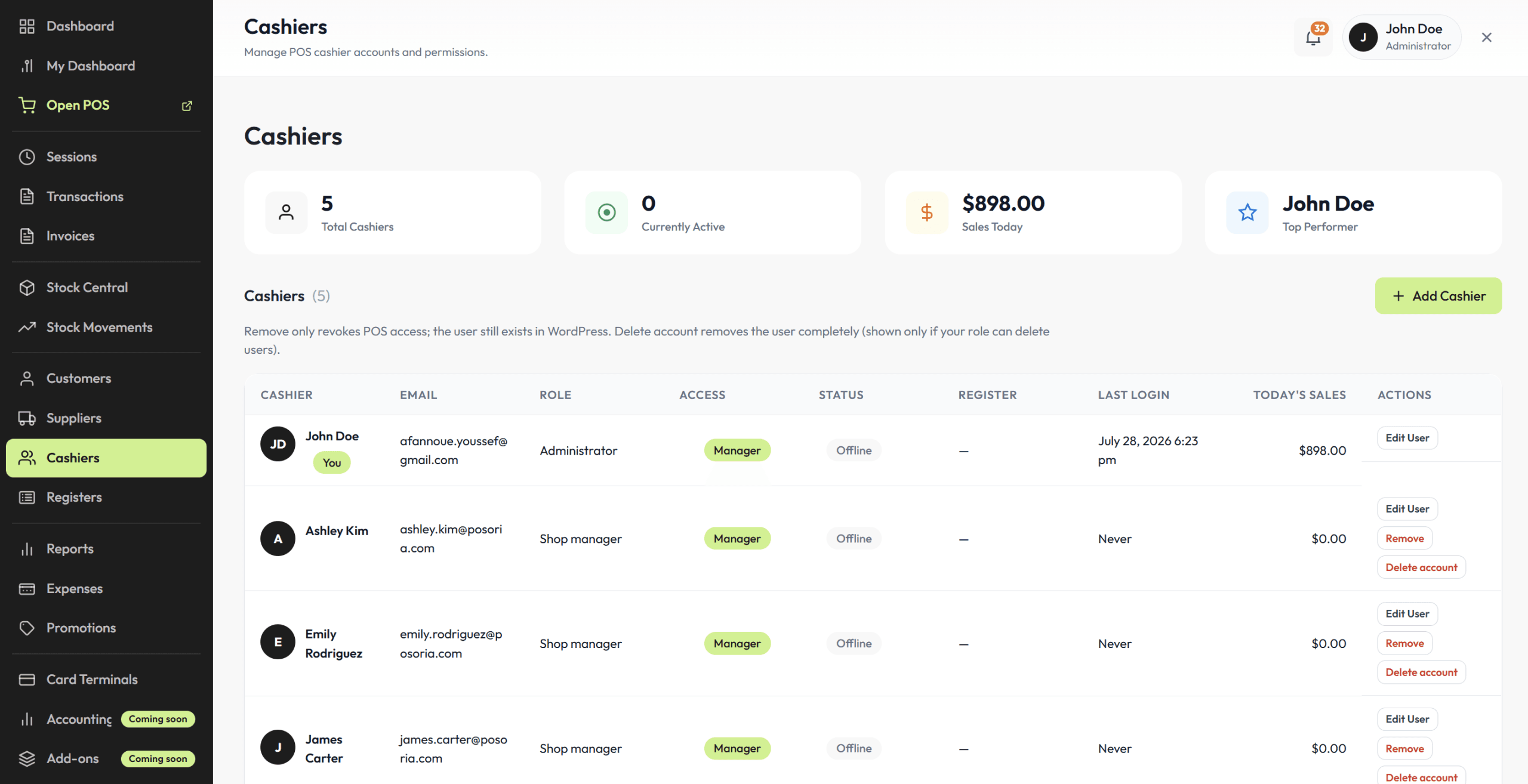
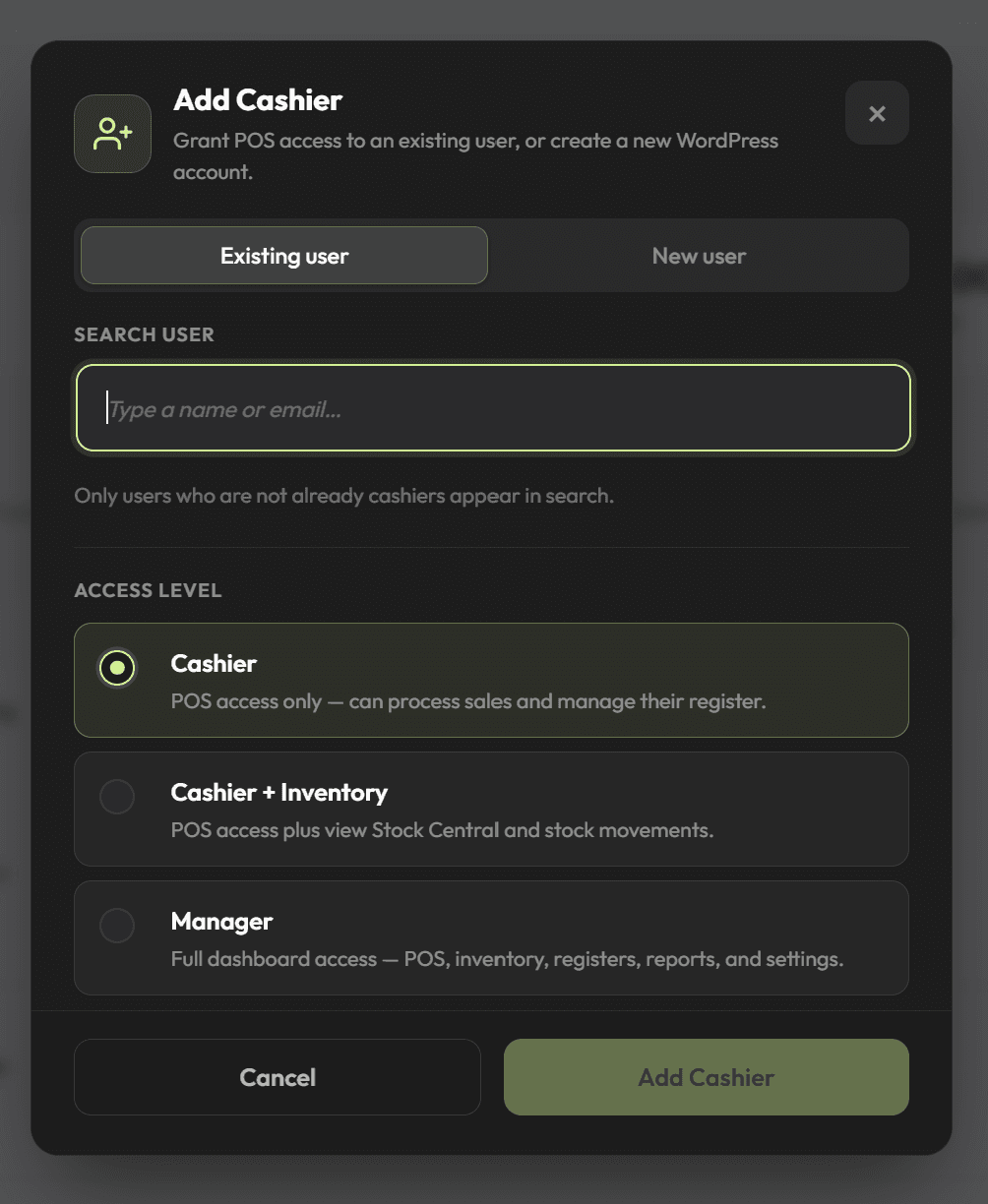
Permissions per cashier, down to the actionWho can discount, refund, or close a shift is up to you.
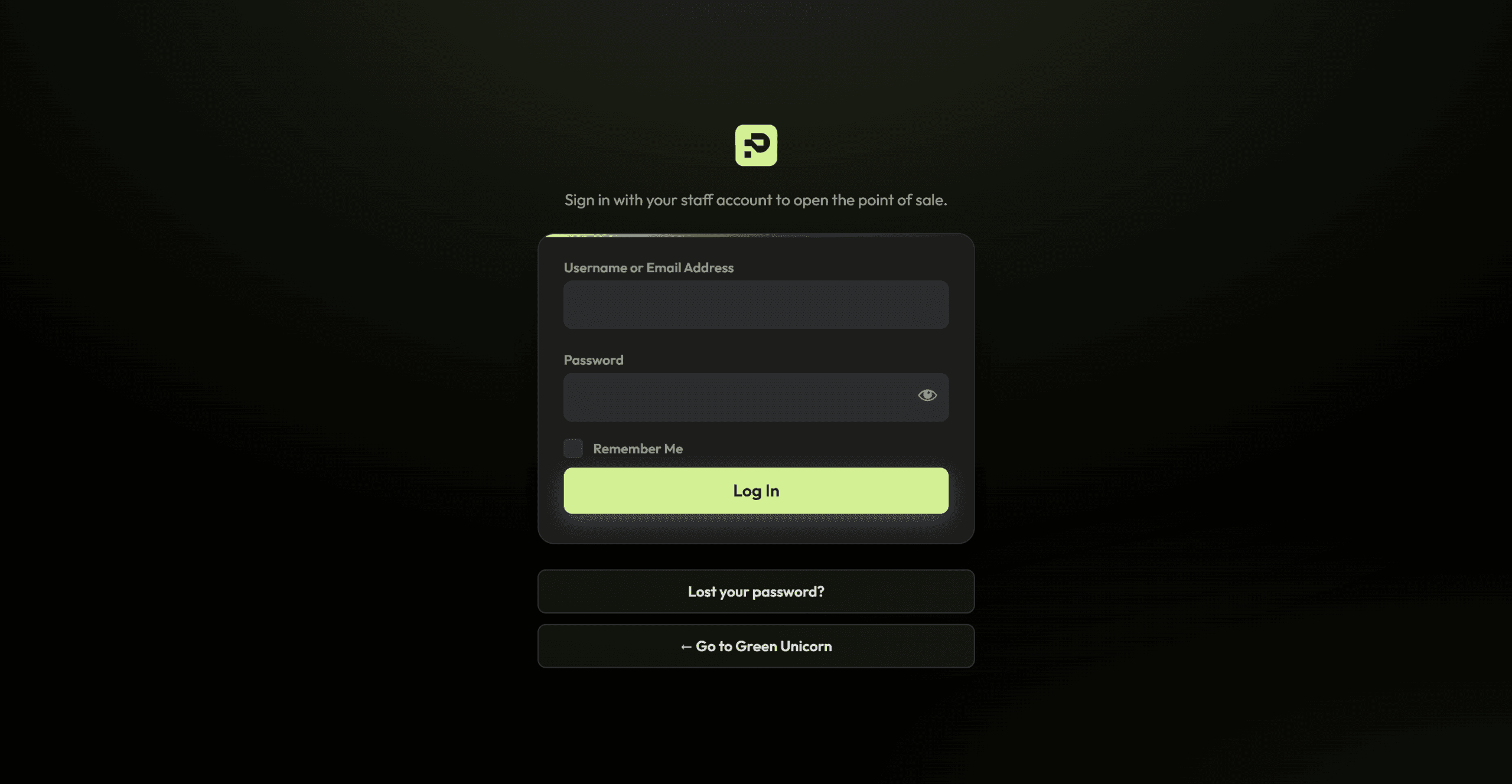
One login, every role coveredCashiers and admins share one clean login; each role sees only what it should.
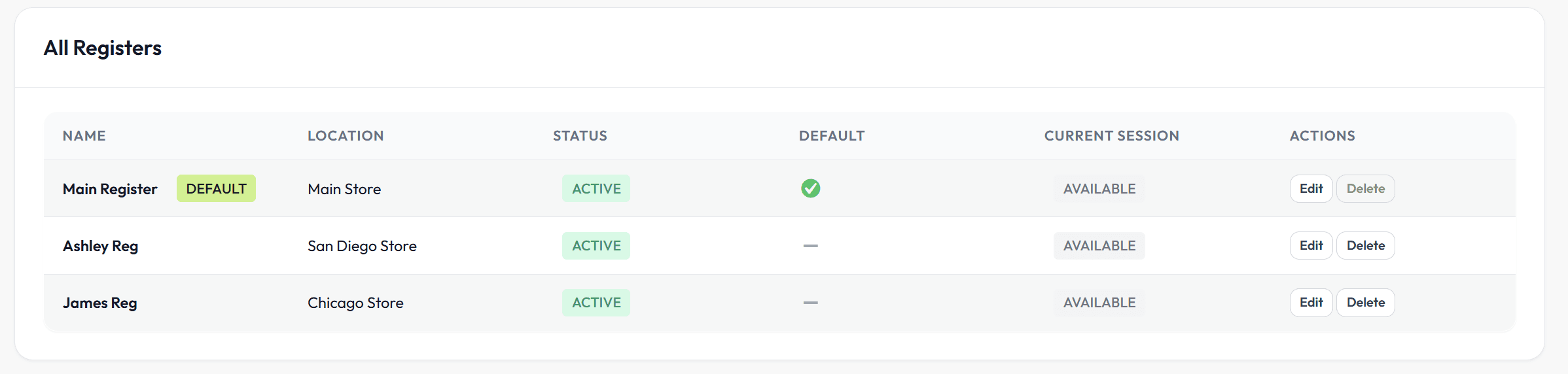
Run more than one registerFront counter, back counter, weekend pop-up: every register sells from the same WooCommerce stock.